

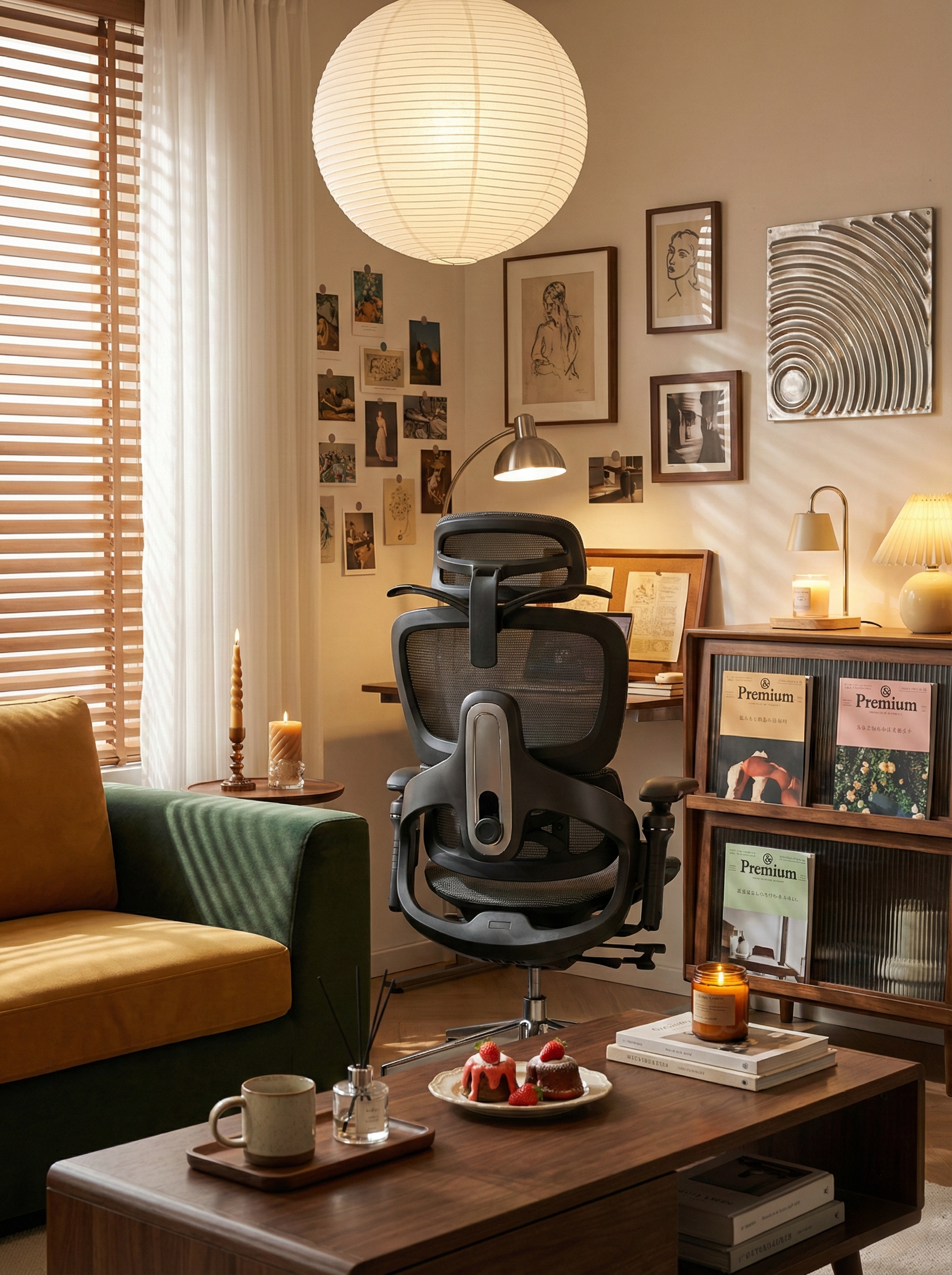
TL;DR — Why your lower back still hurts (and how to fix it)
Many people searching for the best ergonomic chair for lower back pain Australia discover an uncomfortable truth: buying an “ergonomic” chair doesn’t automatically solve back pain. Most chairs fail because their lumbar support is fixed, poorly positioned, or too aggressive for real bodies. To actually reduce lower back pain while working from home, focus on three things: adjustable lumbar height and depth, balanced support firmness, and dynamic support that moves with your posture. Chairs that adapt to your spine — instead of forcing your spine to adapt — make the real difference over long workdays.
You Bought an Ergonomic Chair — So Why Does Your Lower Back Still Hurt?
You did the “right” thing.
You stopped using a dining chair.
You invested in an ergonomic chair.
And yet, after weeks of working from home, your lower back pain hasn’t improved.
This is one of the most common frustrations among Australians searching for an adjustable lumbar support office chair. You expect relief, but instead, the ache creeps back in by mid-afternoon — sometimes worse than before.
The problem usually isn’t you.
It’s how most chairs treat lumbar support.
The uncomfortable truth: “ergonomic” doesn’t always mean supportive
From years of ergonomic testing and real-home use, one pattern shows up repeatedly: most chairs label lumbar support as a feature, not a system.
Many designs rely on a fixed curve in the backrest. It looks ergonomic, but it assumes every spine is the same height, shape, and sitting style — which simply isn’t true.
That’s why users often say the chair feels “okay” at first, then becomes uncomfortable after a few hours. The support isn’t aligned with your lumbar curve, so your muscles end up compensating all day.
Why ordinary chairs fail your lower back
-
Lack of real adjustability
If lumbar support can’t move up, down, or in depth, it can’t match your spine. Fixed support forces your body to adapt — not the other way around. -
Incorrect support firmness
Soft lumbar support collapses over time. Hard support creates pressure points. Neither reduces fatigue during long work from home sessions. -
Static support for a moving body
Your posture changes constantly. A chair that only supports one “perfect” position leaves your lower back exposed the moment you recline or shift.
Three things that actually matter when choosing a chair for lower back pain
1. Lumbar adjustment range
Look beyond marketing terms. A proper chair lets you fine-tune lumbar height and depth so support sits exactly where your spine needs it.
2. Balanced support firmness
Effective lumbar support should feel present without pushing. It should reduce muscle strain, not create new tension.
3. Dynamic support that moves with you
The best chairs maintain lumbar contact as you recline, lean, or stretch. This dynamic behaviour is what protects your lower back over an eight-hour day.
A real Work From Home story from Australia
One Aerlume customer from Melbourne’s inner suburbs described the change like this. He works from home in a compact apartment, west-facing windows, with harsh afternoon sun pouring in during summer. By around 3pm, his lower back used to feel tight and sore, especially during long Zoom calls. He’d catch himself leaning forward, rolling his shoulders, or standing up just to escape the pressure.
After switching to an Aerlume chair, he said the difference wasn’t instant — but noticeable by the end of the first week. The lumbar support sat where his back actually curved, and stayed there even when he leaned back to think.
“I stopped thinking about my chair,” he wrote. “And that’s when I realised my back wasn’t hurting anymore.”
How Aerlume approaches lumbar support differently
Many people reading an Aerlume ergonomic chair review notice the same theme: the comfort doesn’t disappear after a few hours.
That’s because Aerlume treats lumbar support as a responsive system, not a fixed shape. The design focuses on:
- Multi-directional lumbar adjustment for different body types
- Carefully tuned firmness that supports without pressure
- Continuous lumbar contact as posture changes
Instead of forcing one “correct” sitting position, the chair adapts as your body moves throughout the day — which is exactly how real work happens.
FAQ —Why does my back still hurt with an ergonomic chair?
Most ergonomic chairs use fixed or poorly positioned lumbar support. If the support doesn’t align with your natural lumbar curve or fails to move as you change posture, your muscles stay engaged all day, leading to fatigue and pain. True relief comes from adjustable, dynamically responsive lumbar support that adapts to your body and movement — not from a static backrest shape.
Final thought
Lower back pain while working from home isn’t a personal failure. It’s usually a sign that the chair wasn’t designed for real bodies and real workdays.
A good ergonomic chair shouldn’t lock you into one posture. It should support you through all of them.
That’s the difference thoughtful lumbar design makes — and why choosing the right chair matters more than choosing the most famous one.
Share:
A Chair That Fits the Room You Actually Have
Sweating While Sitting in an Australian Summer? It’s Not You — It’s Your Chair.